iPhone · iPad · Mac
AudioEngineerKit: SPL & RTA
A real-time SPL meter and 31-band RTA for sound engineers on site. Feedback detection and noise-source AI are for reference only.
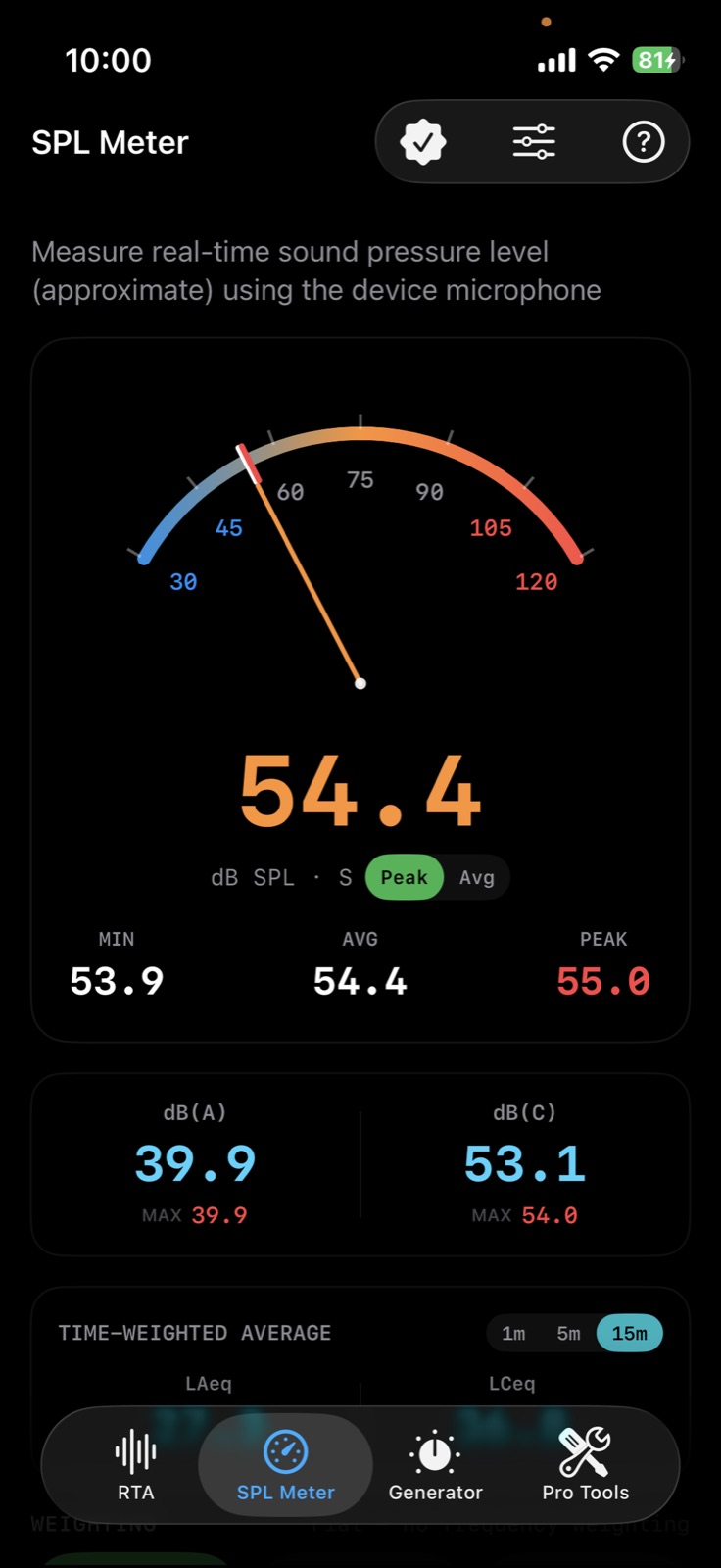
- Real-time SPL meter (A/C weighting, dB) and 31-band RTA at ISO 266 center frequencies
- Feedback detector (for reference only): shows the ringing frequency and the GEQ band to cut during a live show
- On-device AI names the noise source (footsteps, construction, traffic) while you measure (for reference)
- Pro (one-time purchase): LUFS (BS.1770-4), RT60, Delay Finder, Polarity Checker, THD+N, Loopback Test
- Pro: SPL threshold alerts, measurement history, Dashboard view, external mic, and a pre-show feedback sound check (for reference only)
App StoreCore tools free · Pro one-time purchase (no subscription)
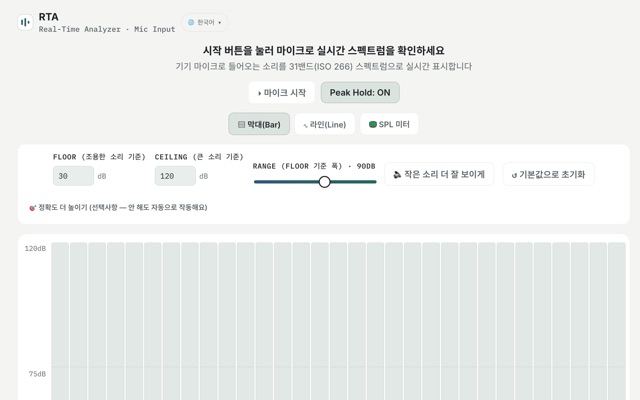
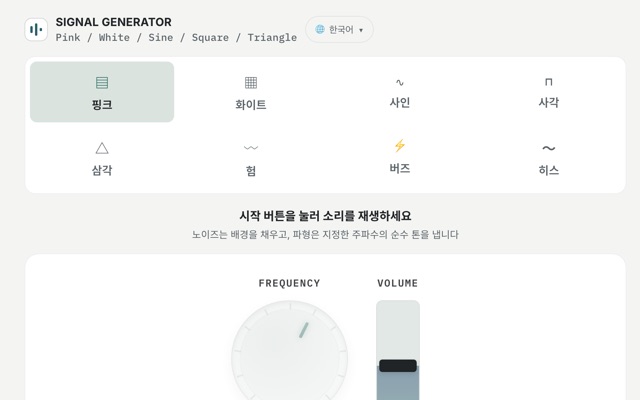
Try the free web tools
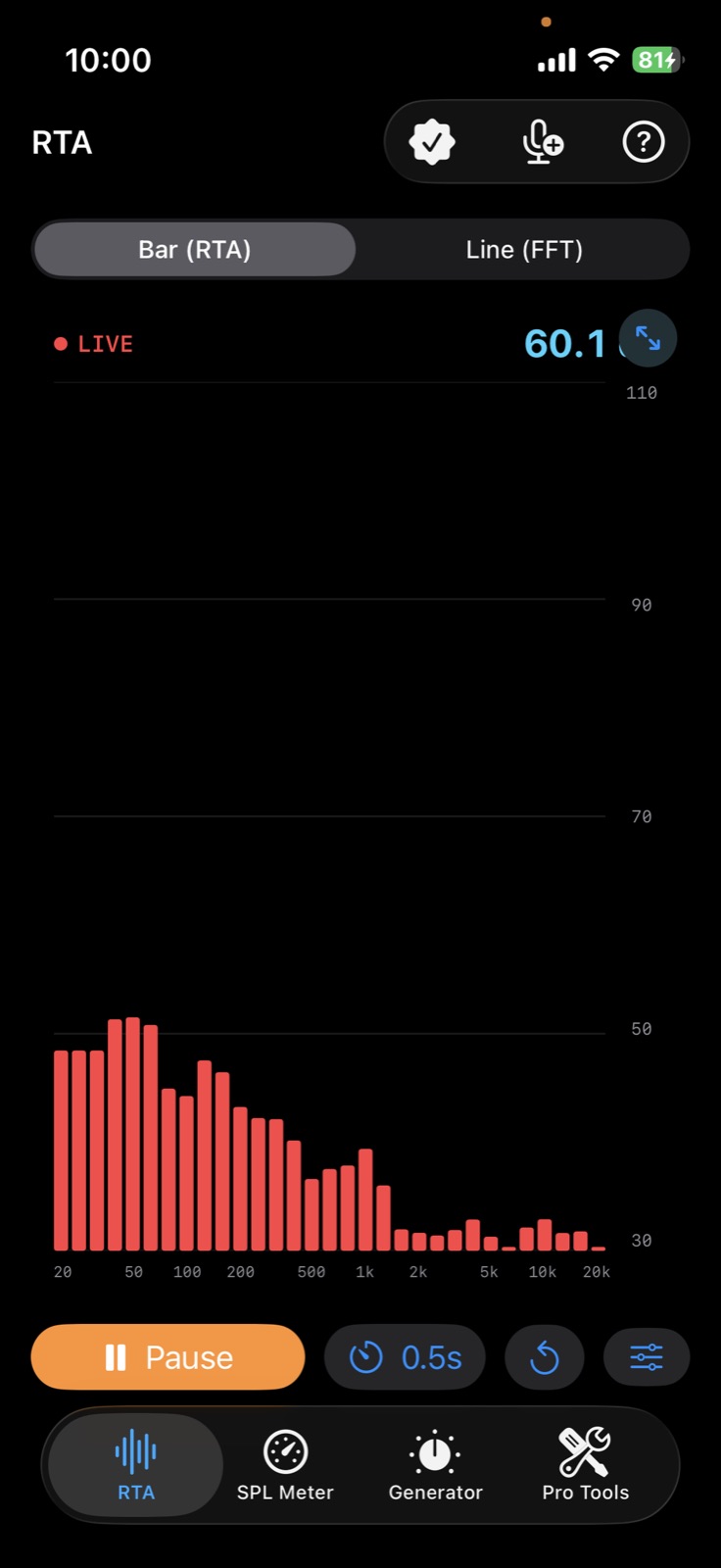
See the level in each of 31 bands
Analyze sound in real time across 31 bands at ISO 266 center frequencies, and switch between bar (RTA) and line (FFT) views.
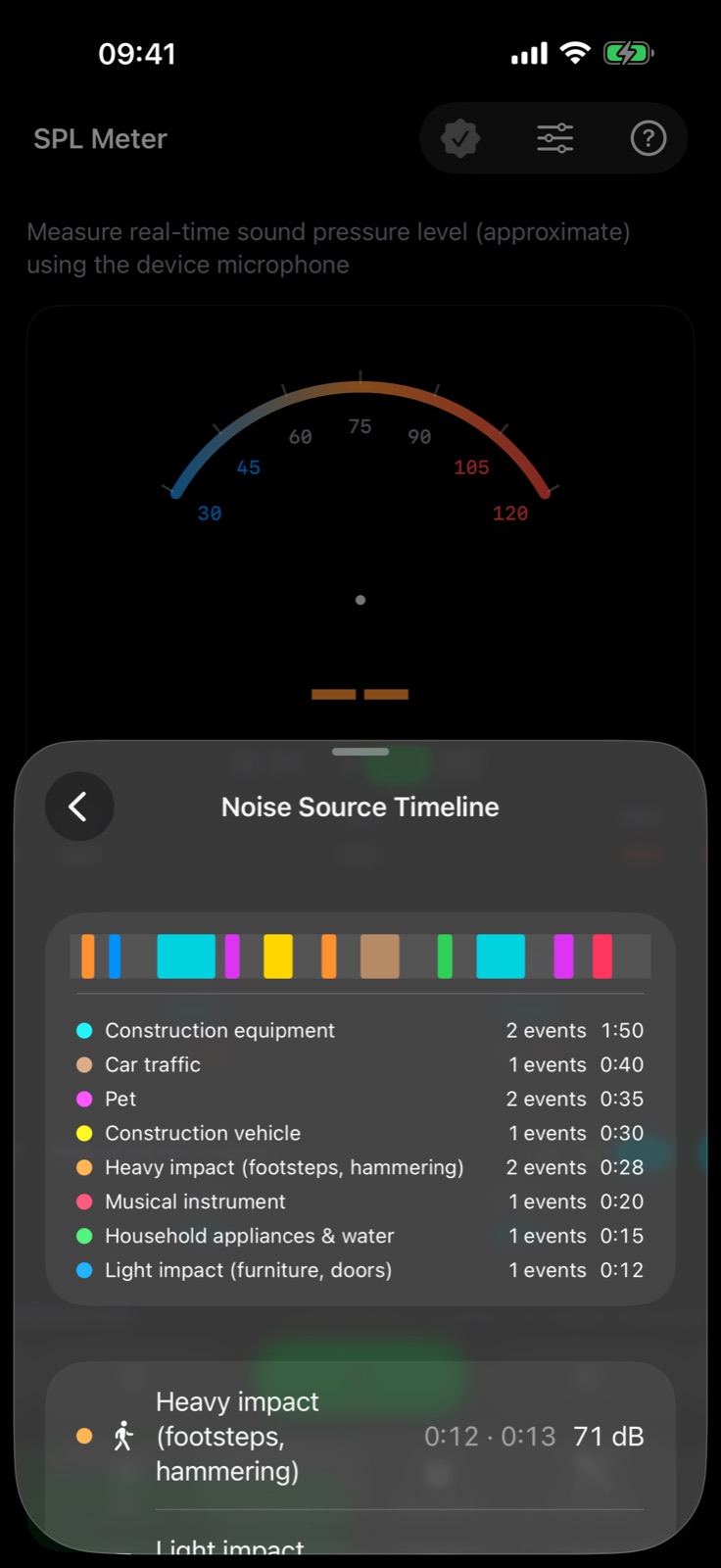
Log what the noise was
On-device AI estimates sources such as footsteps, construction equipment and vehicles and lays them out over time. Labels are estimates, for reference only.
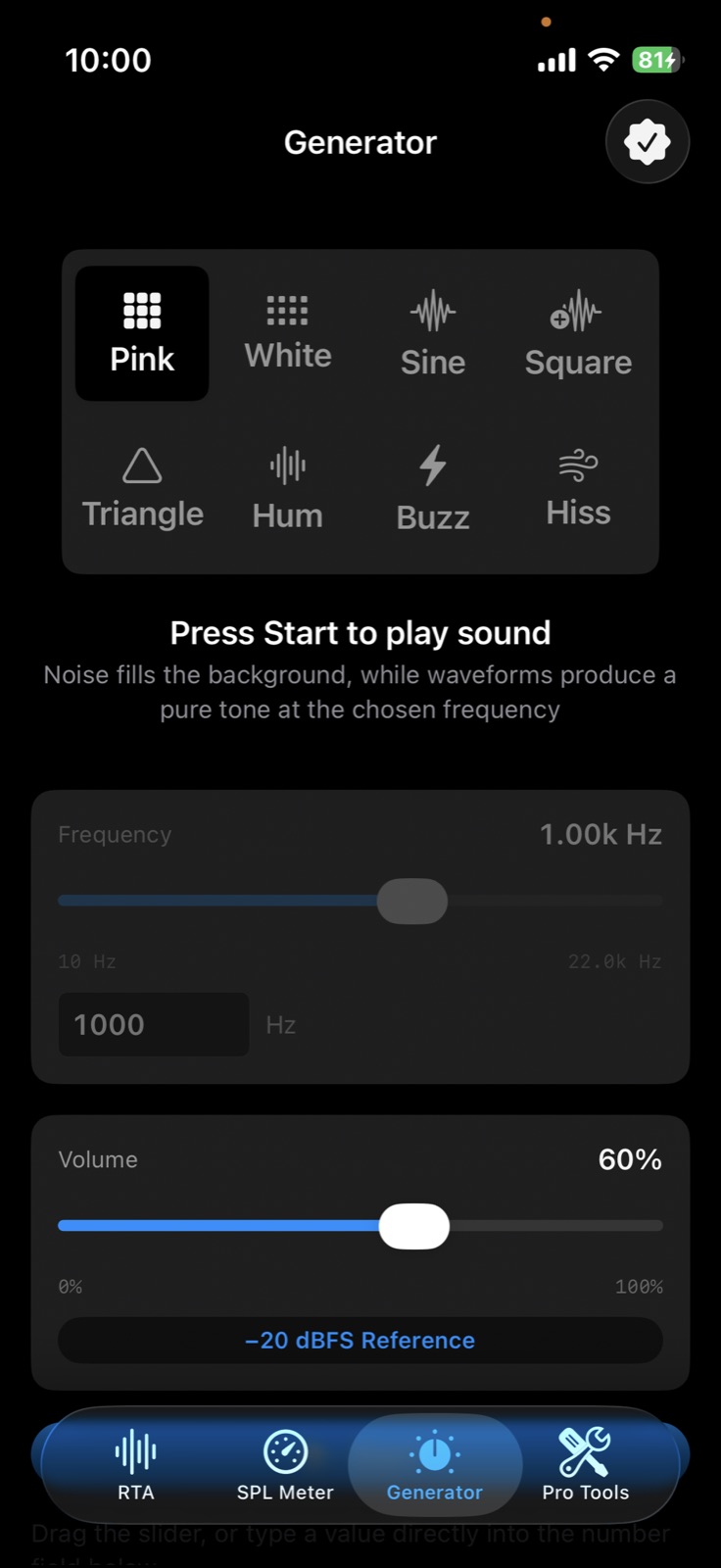
Generate test signals
Play pink and white noise or sine, square and triangle waves at a chosen frequency and level.
How to use
- Allow microphone access
Allow microphone access — the app measures sound with the device microphone. - Open the SPL meter or the RTA
Watch dB(A) and dB(C) on the SPL meter, or the 31 bands on the RTA, in real time. - Calibrate the microphone if needed
Use microphone calibration to adjust readings for your device. - Log and export
With Pro, keep measurement history (session log) and set SPL threshold alerts.
- Universal app for iPhone, iPad and Mac
- Core tools free; Pro is a one-time purchase (no subscription)
- Feedback detection and AI noise-source labels are for reference only
- Works on-device without internet; no accounts, ads or analytics