iPhone · iPad · Mac
Retro Room — Retro Music Player
A retro music player that plays your music on vinyl, cassette and CD, with devices you touch directly on screen. Listen to your Apple Music library, internet radio and your own files.
- Vinyl you set on the platter, then drag the tonearm to any groove
- Cassette reels that fill and empty with the time left, and a CD in a jewel case
- Internet radio from around the world on a tube-radio dial
- Scenes like a rainy window, a fireside and a starry campfire, with moods and vinyl styles
- Apple Music, your files and photos, Home Screen widgets and short share videos
App StoreBasic devices, 3 scenes, sound effects and widgets free · retro skins, all scenes and My Photos: one-time Lifetime purchase (₩13,000 on the Korean store, ₩8,800 for the first two weeks)
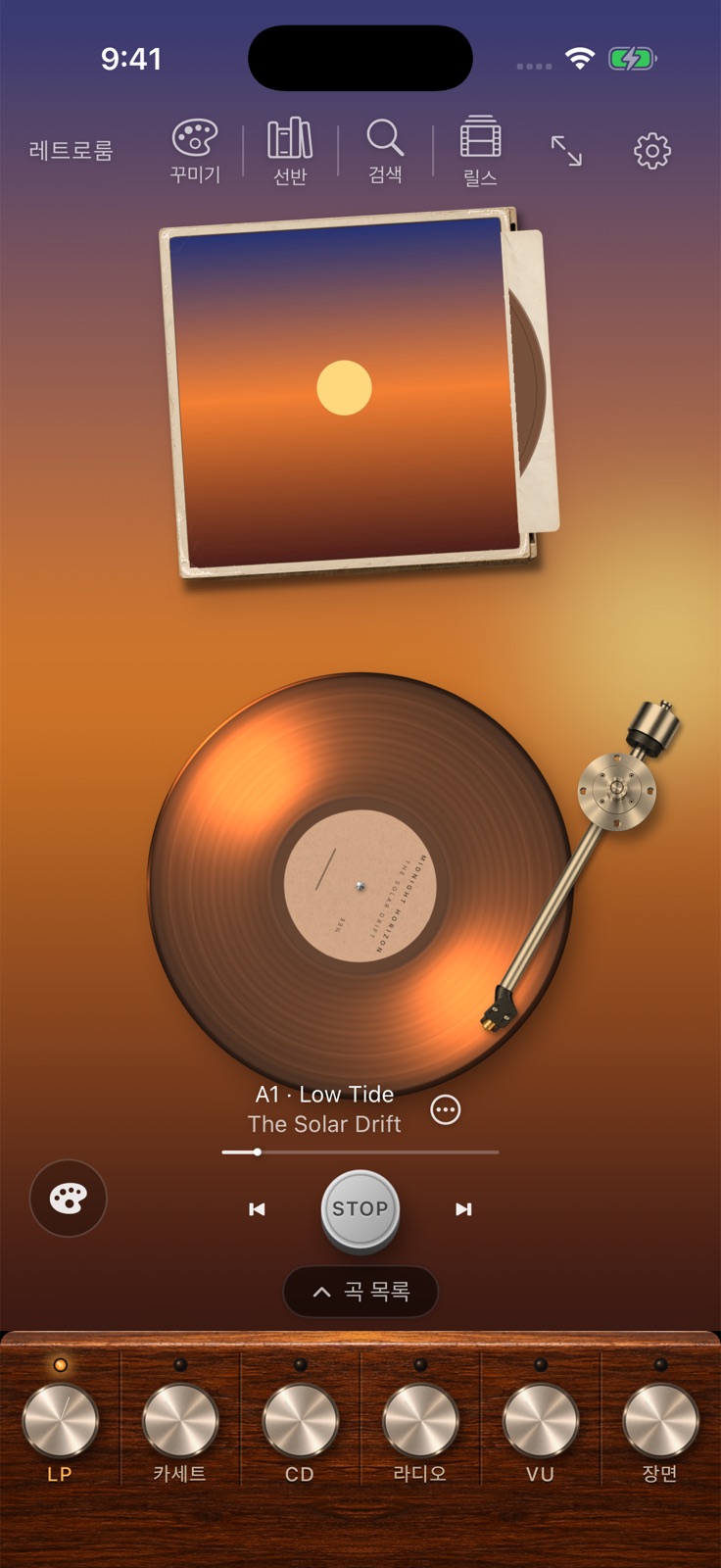
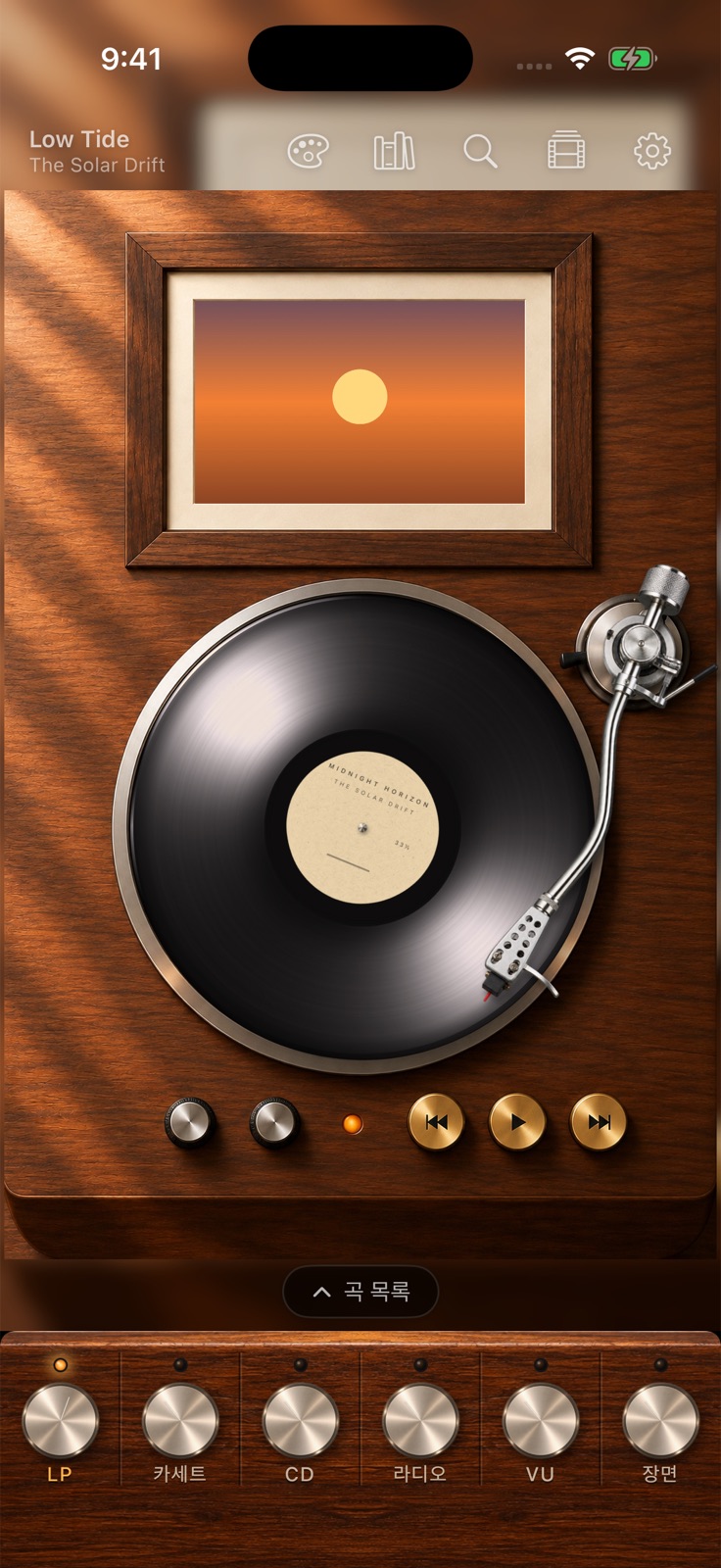
Retro devices you can touch
Press the buttons in the picture, drag the needle down and turn the knobs. Skins such as the walnut turntable, suitcase player and cassette decks come with the Lifetime purchase.
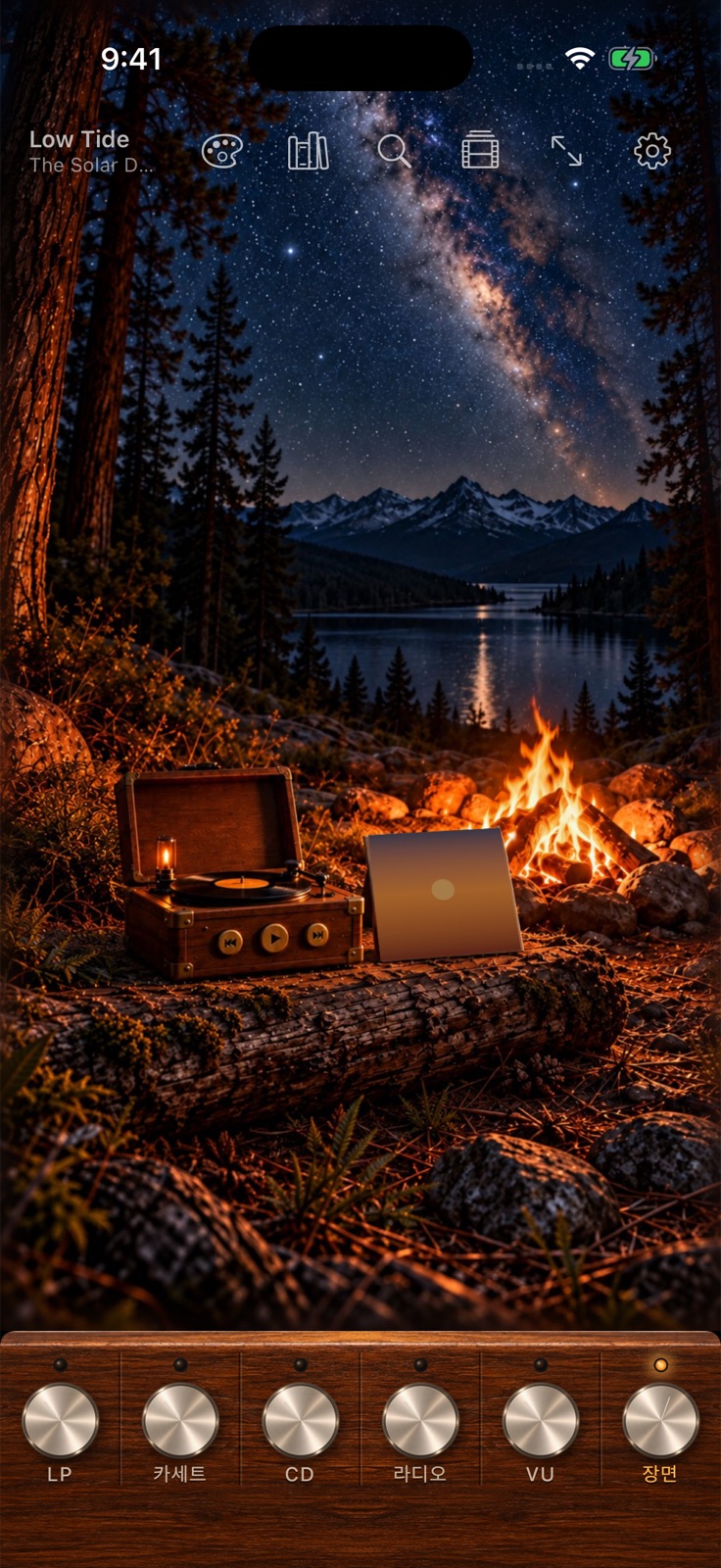
Scenes with sound and motion
Pick a rainy window, a fireside or a starry campfire, and soft rain or crackling fire plays as rain, snow and flames move gently.
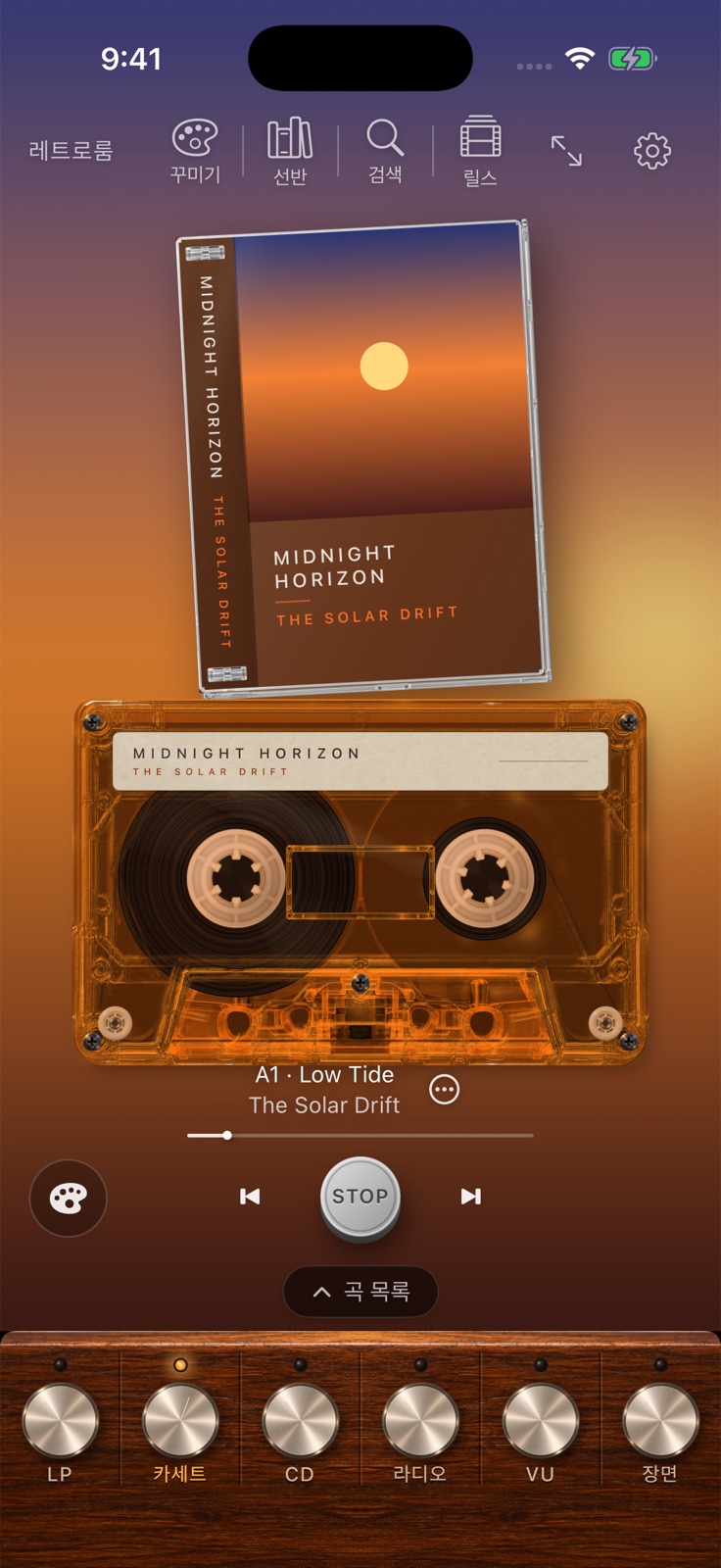
Vinyl, cassette and CD in one app
Switch the same album between vinyl, cassette and CD. Put your own photos where the album art goes, or change the room with a mood.
How to use
- Connect your music
On first launch, choose Apple Music, import your files, or listen to the radio. - Pull an album from the shelf
Pick an album on the shelf or in search, and the record, tape or disc loads onto the current device. - Touch the device
Press START or drag the tonearm to any song. Use the knobs at the bottom to switch between LP, cassette, CD, radio, VU and scenes. - Decorate and share
Choose skins, scenes and moods in Decorate, and make a short video of the spinning record with the Reels button.
- iPhone · iPad · Mac
- No ads, no subscription
- Apple Music playback needs an Apple Music subscription
- No recording or downloading