iPhone · iPad · Mac helper (macOS 15 or later)
PocketDesk — Your Mac, from your iPhone or iPad
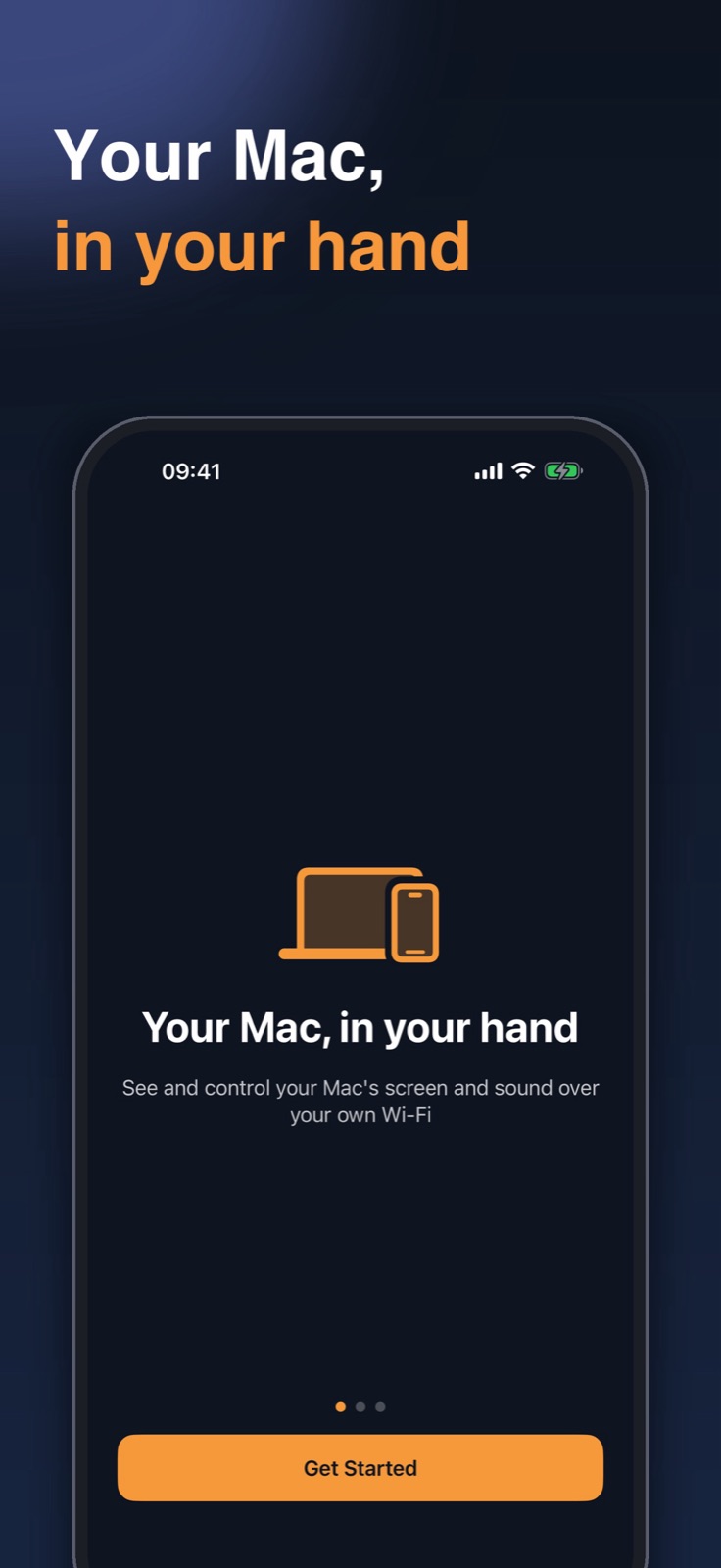
A remote app that shows your Mac screen on your iPhone or iPad over the same Wi-Fi, so you can click, scroll and type. Devices connect directly, with no account and no server.
- Aim and tap to click, drag, right-click and two-finger scroll
- Type letters, numbers and symbols plus Return, Tab, Esc and arrow keys
- Devices connect directly on your Wi-Fi, encrypted, and only registered devices can join
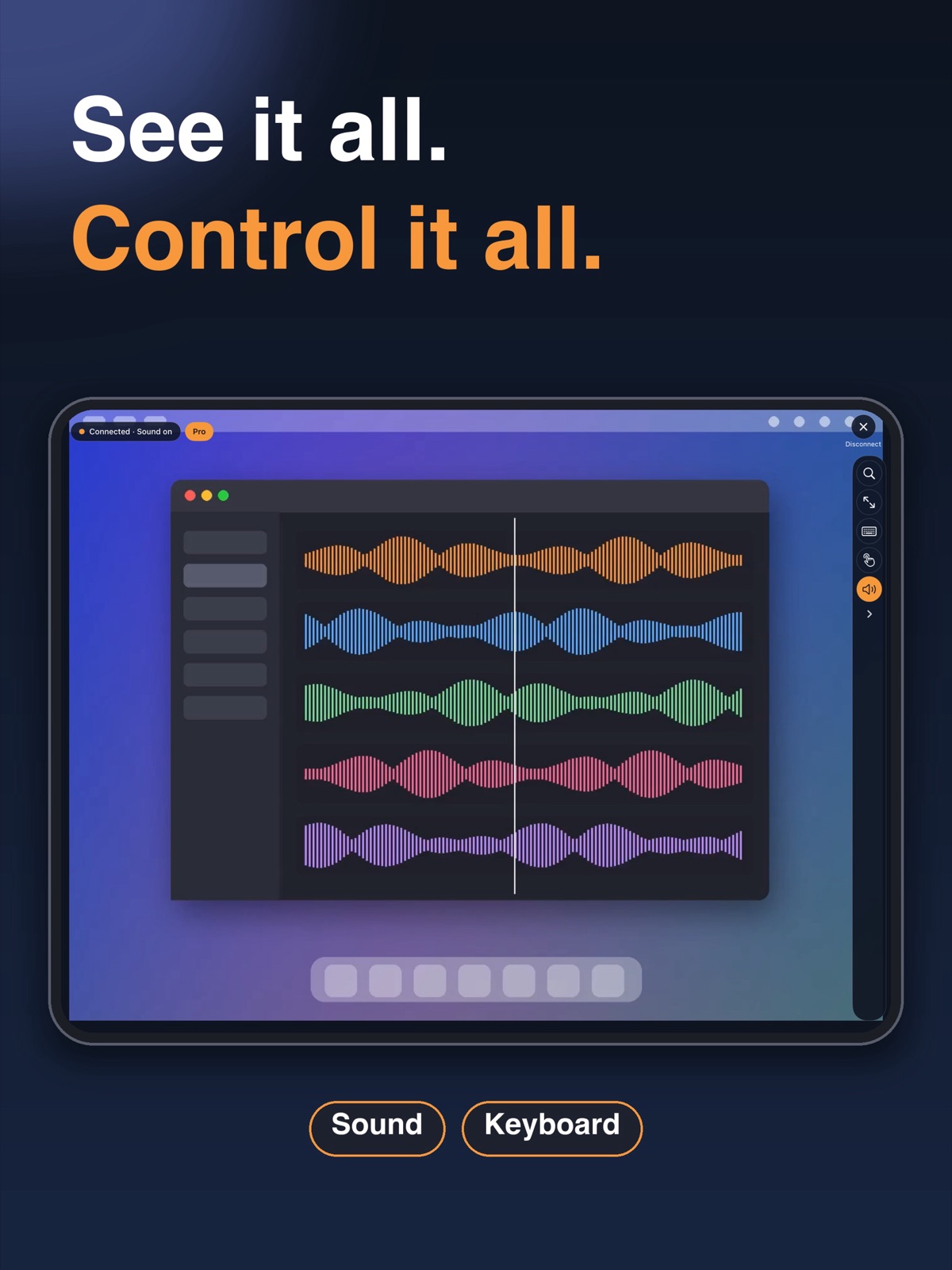
- Pro: hear your Mac's sound, Apple Pencil, modifier keys (⌘⌥⌃⇧) and F1–F12
- Pro: trackpad mode, up to 8x zoom, and up to your Mac's resolution (4K max)
App StoreGet the Mac helper (free)Pro is a one-time purchase (no subscription) · free to start with Lite
Stays on your own Wi-Fi
The Mac helper and your device connect directly on the same network. There is no account to create and nothing passes through our servers.
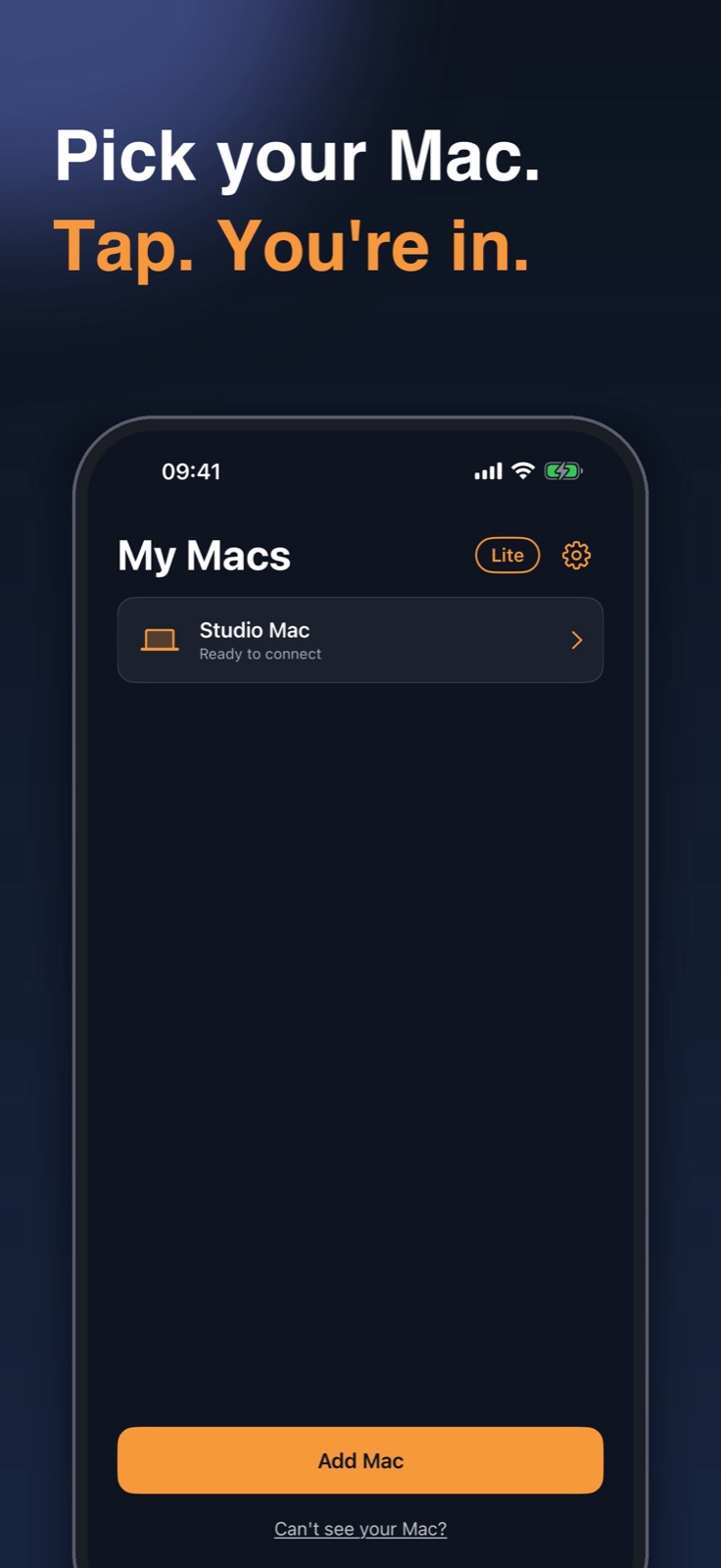
Pick a Mac to connect
Register once at the Mac with a QR code or a number. You can remove registered devices from the helper at any time.
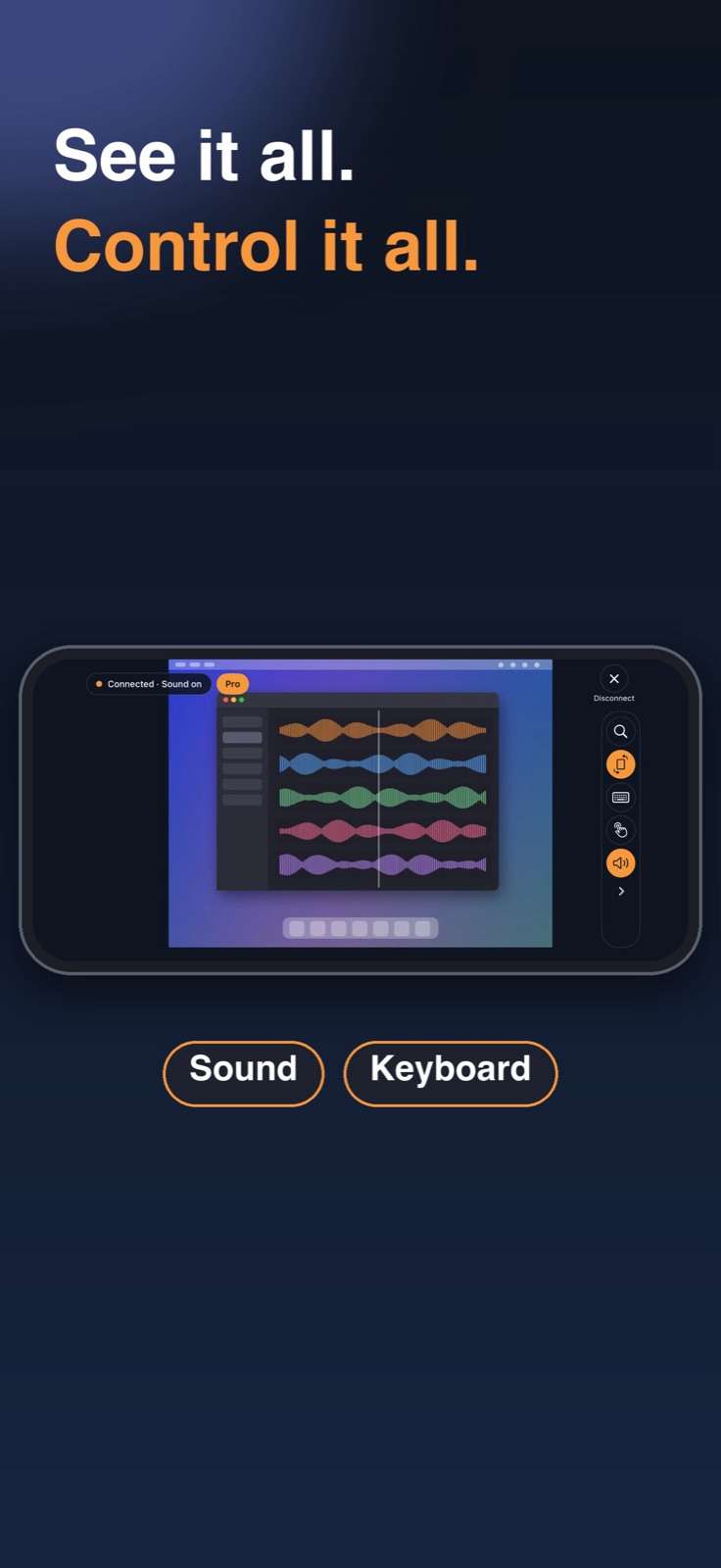
See, tap and type
Turn sideways for a wider view and type with the on-screen or a Bluetooth keyboard. Sound arrives slightly late, so it suits listening, not syncing to video.
How to use
- Install the helper on your Mac
Get the free, notarized helper at software.mlmusicstudio.co.kr/pocketdesk/download/. - Allow permissions once
When the helper asks, allow Screen Recording and Accessibility. - Register your device
Scan the QR code or enter the number shown by the helper. - Tap your Mac in the app
Open PocketDesk and choose your Mac to connect.
- iOS and iPadOS 17 or later
- Free Mac helper (notarized by Apple)
- No account, no server
- Pro is one-time, not a subscription